
Selection
Last update: 03 February, 2022
Description
The selection is bidirectional, either you call the YIF from your system or you make a selection in the viewers and that will return the GUID of the selected element.
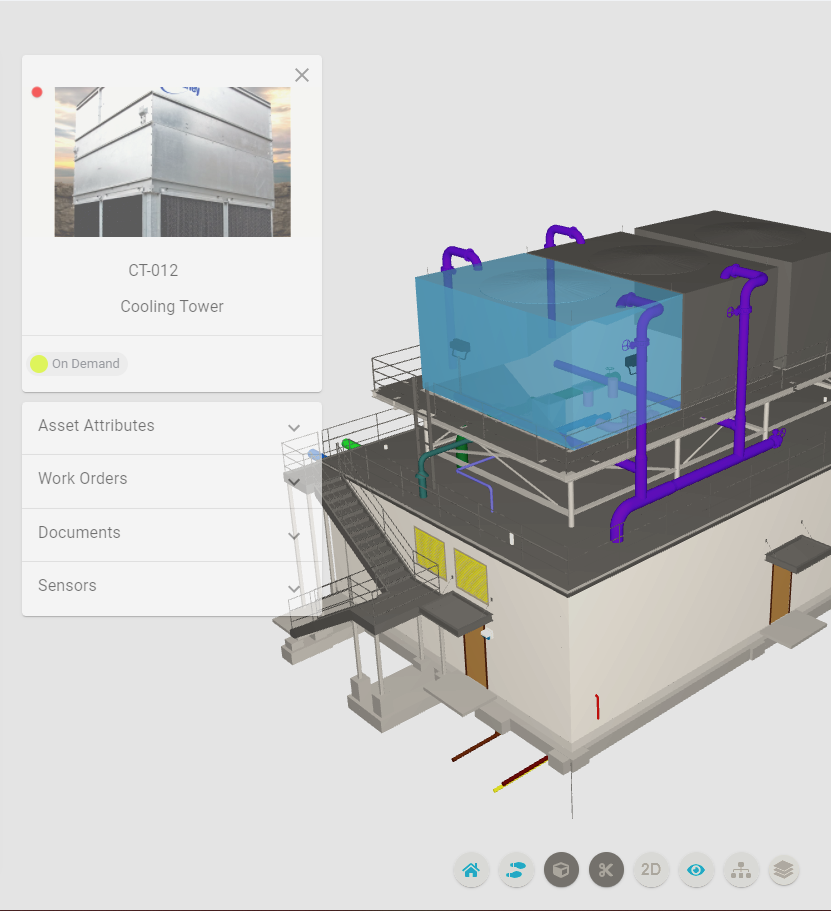
From an external app to the YIF
The external application can execute events on the state. In this case, it triggers the ‘@@data/asset/opendetail’ event to display the asset detail, after selecting it in the 3D viewer.
    isolate: function (guid) {
        YouBIMIntegrationFrameworkInstance.Aphrodite.select(guid);
        YouBIMIntegrationFrameworkInstance.DataProvider.store.dispatch({
            type: '@@data/asset/opendetail',
            payload: { guid }
    });
},
Note: Very important GUID property.
From the YIF to an external app
The external application listens for an asset selection event (“@@assets/selection”) to perform some action.
The data param contains:
{
    ..., // another properties
    selection: {
        isolation, // always is true
        selectedElements, //assets selection on the viewer
    }
}
Example listener:
YouBIMIntegrationFrameworkInstance.addEventListener(
  "@@assets/selection",
  (data) => {
    let guid = data.selection.selectedElements[0];
    someExternalApp.select(guid);
  }
);
Multiple assets selection
The external application triggers the ‘@@assets/isolation’ event to select assets in the 3D and 2D viewers.
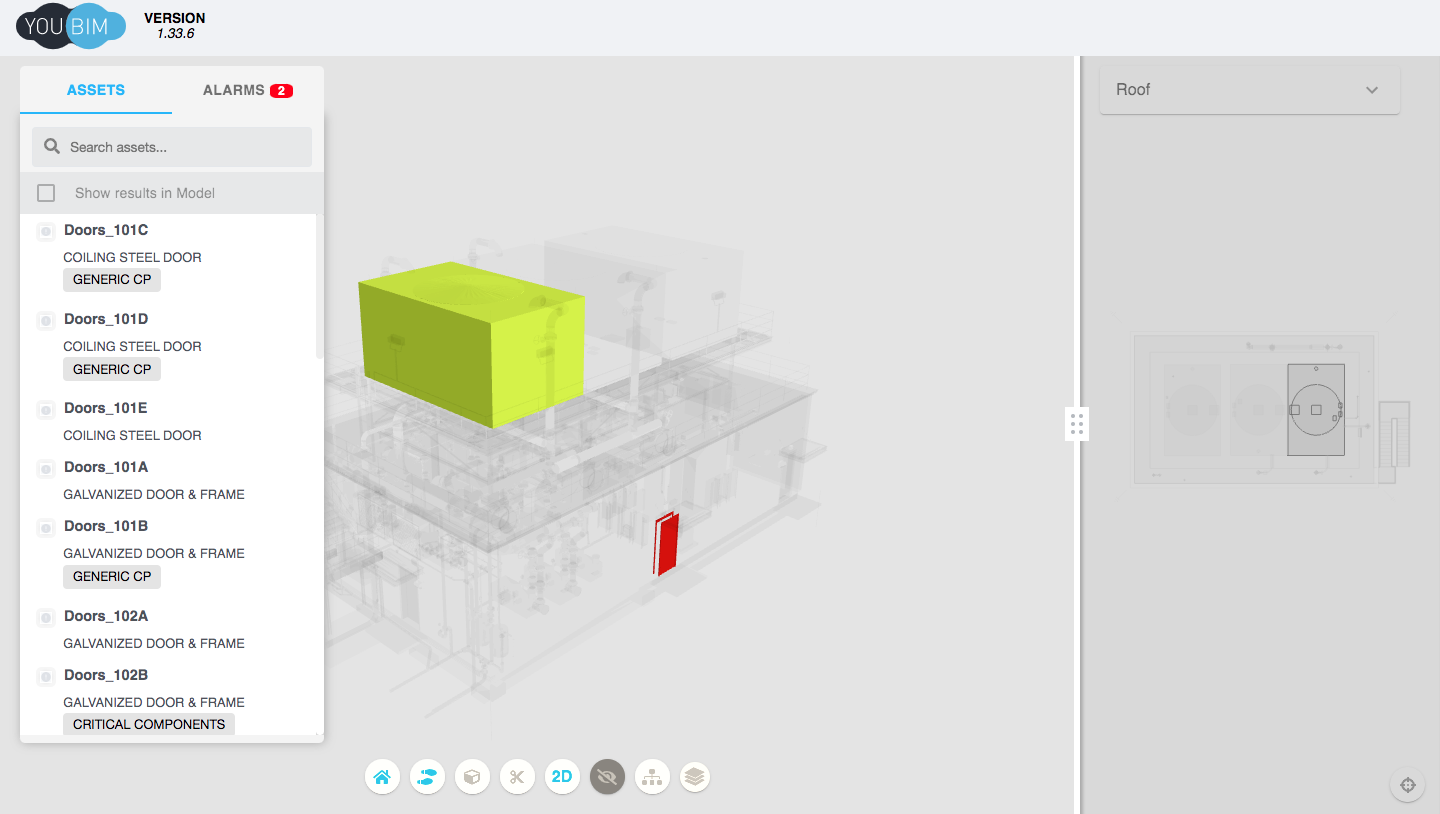
YouBIMIntegrationFrameworkInstance.DataProvider.store.dispatch({
  type: "@@assets/isolation",
  payload: {
    selection: {
      selectedElements: [
        "28d5620d-cc7f-46ef-9764-e1b647391d9a-0033afbd",
        "bfdb5e63-fcdf-44f4-936a-9f3a23d2767c-00033735",
      ],
      origin: 4,
      isolation_set: true,
    },
  },
});
The payload param must contains:
    selection: {
        selectedElements, //Assets selection on the viewers
        origin, // Send 4 it is important that the models know what to do.
        isolation_set, // always is true
    }